Login
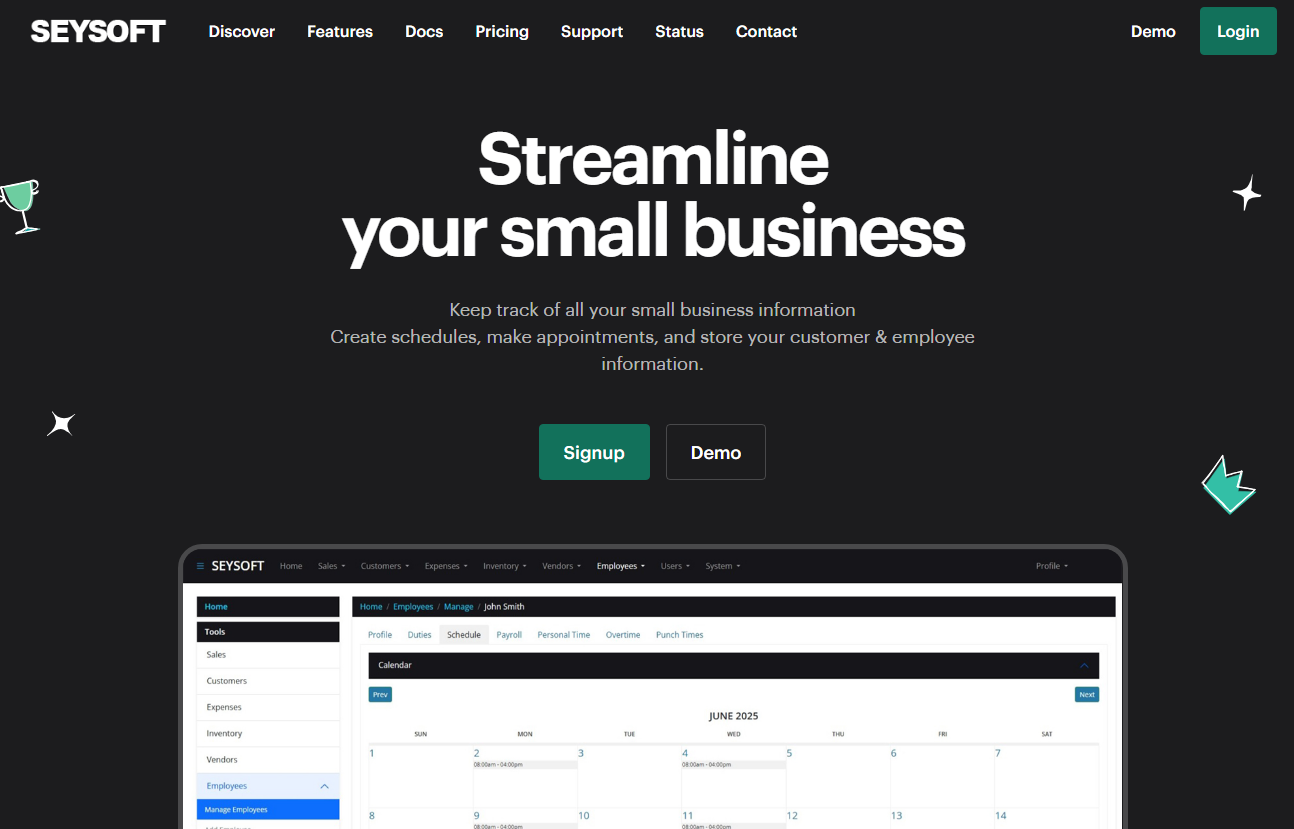
After making an account logging in is simple. You can find the login link from our main website https://seysoft.co on the top menu. The green Login button located at the top right of the page will take you to the https://app.seysoft.co webpage.
Below is a screenshot of our main website. You can see from the main menu where the login button is.
Once you have clicked that green button you will be brought to the application page that looks like the screenshot below:
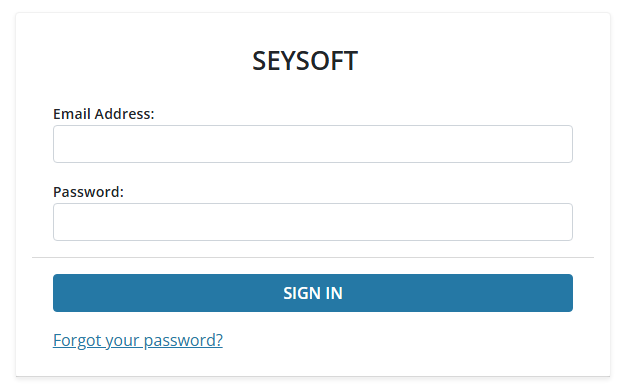
In order to login you must use the email address and password you originally used to create your account when you paid for a subscription. The login page also features a forgot password link incase you forgot the password you used when creating your account. If for some reason you are having trouble logging in you can make a help desk ticket. If you are also having issues with the help desk support section then we recommend using the Contact section of the main website.