Seysoft - Getting Started
Welcome to the Seysoft Documentation!
This guide is designed to help you get up and running quickly with every feature Seysoft has to offer. Whether you’re managing sales, customers, employees, expenses, inventory, vendors, or system users, this documentation will walk you through how each module works — step-by-step.
What You’ll Find Here
Each section of the documentation includes:
-
Detailed explanations of how each module functions
-
Step-by-step instructions for common tasks
-
Screenshots and examples to make navigation easier
-
Tips and best practices for getting the most out of Seysoft
Before You Submit a Support Ticket
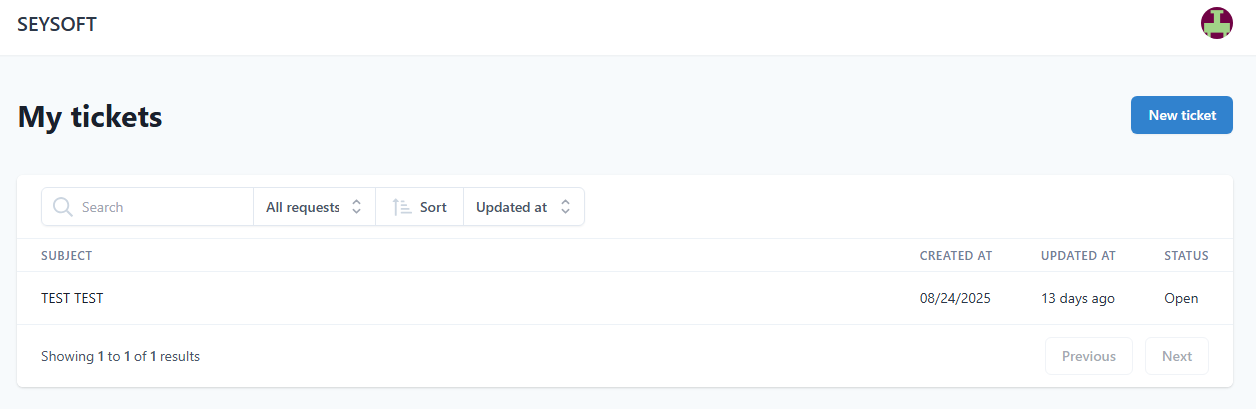
We recommend reviewing the relevant documentation section before opening a help ticket. Most common questions and setup steps are covered here, complete with visuals and troubleshooting tips. If you do need to submit a ticket it can be done by going to the main site https://seysoft.co and clicking on the Support tab. You must then log in with your main account and open a new ticket by clicking the blue New Ticket button near the top right of the page. Below is a screenshot for reference.
Information Sections
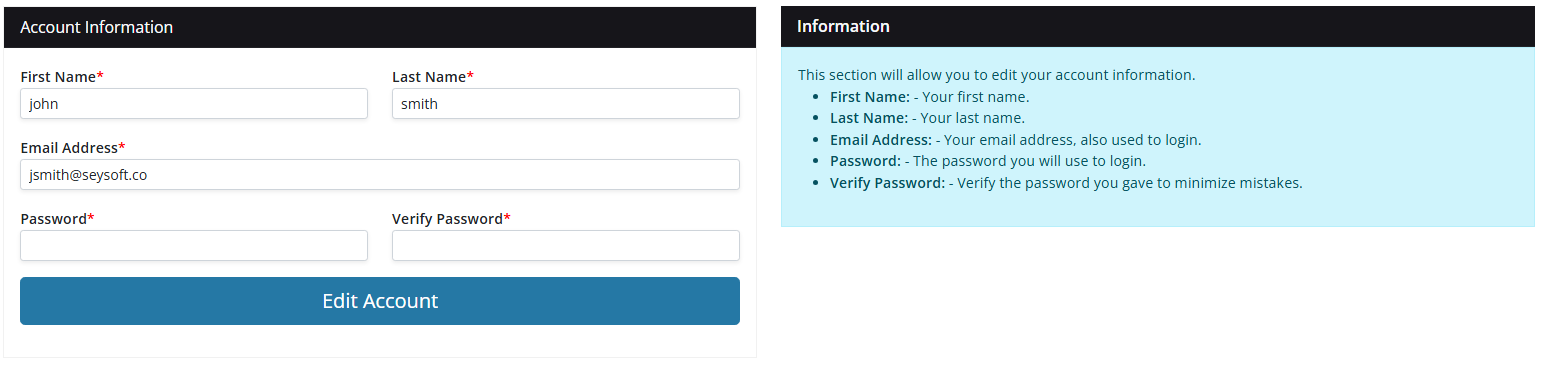
On most of the Seysoft pages and modules there will be a blue Information display near the right hand side of the page. While the docs here give detailed step by step instructions the Information displays also give good concise info for assisting in using the module. We recommend making use of the information in those displays for quick reference before visiting the docs. Below is an example of one of the blue information displays taken from the Account section.
Modules Covered
This documentation is organized by module for easy reference:
-
Sales – Create, track, and manage sales records
-
Customers – Manage client details, appointments, and communication
-
Employees – Track time off, schedules, and staff details
-
Expenses – Log and monitor company spending
-
Inventory – Keep tabs on stock levels and product details
-
Vendors – Manage supplier information and purchase activity
-
Users – Control access and permissions within your system
-
System Settings – Configure Seysoft to fit your business needs
Tip: Start by reading through this section to get familiar with how the documentation is organized. From there, explore each module’s page to learn how to fully utilize Seysoft’s powerful all-in-one business management tools.